이 가이드가 유용한 이유
이 가이드는 앱 설치 없이 빠르고 안전하게 즐길 수 있는 브라우저 게임을 찾는 데 도움을 줍니다. Gamozy는 작은 화면에서도 보기 좋고 짧은 시간에 즐길 수 있는 게임을 쉽게 찾도록 구성되어 있습니다.
나에게 맞는 게임 고르는 법
시작하기 전에 카테고리, 로딩 속도, 조작 방식, 플레이 시간을 확인하세요. 좋은 브라우저 게임은 몇 초 안에 시작되고 쉬는 시간에도 부담 없이 즐길 수 있습니다.
모바일과 데스크톱 팁
모바일에서는 터치나 스와이프 조작 게임이 좋습니다. 데스크톱에서는 키보드 게임, 퍼즐, 레이싱, 액션, 전략 게임이 잘 맞습니다.
자주 묻는 질문
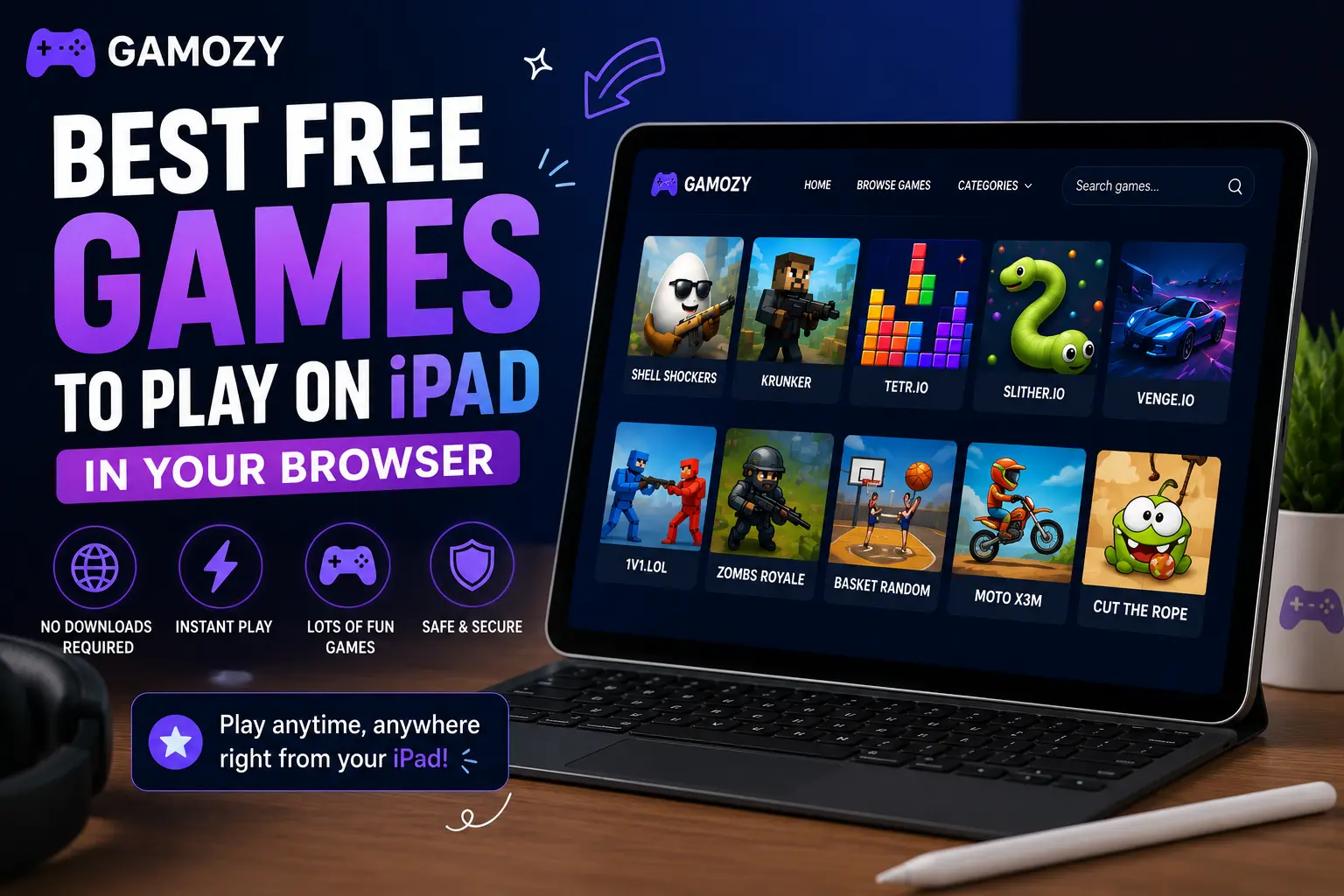
iPad's large screen also makes it a great device for family gaming. Two-player games like Ludo Royal and Ping Pong Ball work especially well when family members take turns on the same device. The screen is large enough that you're not crowding each other, and the touch interface is intuitive enough that kids and adults can pick up controls without explanation. For families looking for screen time that's genuinely interactive and social rather than passive consumption, browser gaming on a shared iPad hits a sweet spot. No accounts required means there's no friction about who's logged in, and no downloads means no storage management headaches.
iPad vs Phone for Browser Gaming — The Verdict
If you have both an iPhone and an iPad, the iPad wins for browser gaming in almost every case. The larger screen reduces eye strain during longer sessions. Touch targets are more accurate and comfortable for puzzle games. Landscape mode on iPad gives you a proper gaming layout that feels much more immersive. Battery life tends to be better for gaming sessions on iPad than on iPhone. The only case where phone wins is portability — if you're gaming on a commute or in a queue, a phone is simply more practical. But for home or desk gaming during breaks, the iPad delivers a noticeably better HTML5 browser game experience.
Frequently Asked Questions
Recommended Gamozy Games
Try these related free browser games after reading the guide.