Why iPad Is an Underrated Gaming Device for Browser Games
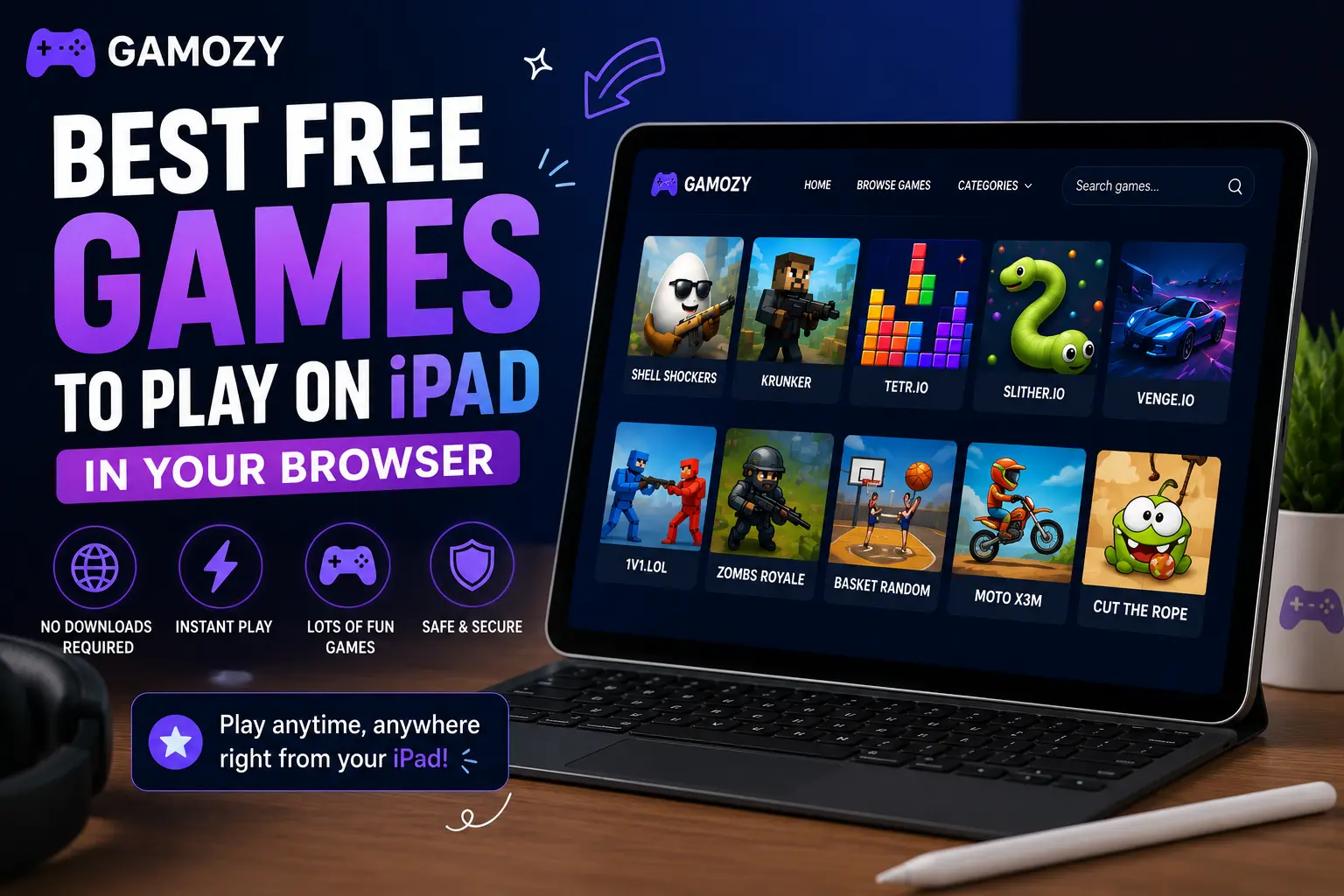
Most people think of iPad gaming in terms of App Store downloads. But iPads are actually exceptional browser gaming devices that most players underutilize. The large, high-resolution touchscreen makes puzzle and strategy games significantly more enjoyable than on a phone. Safari on modern iPads handles HTML5 games exceptionally well — smooth rendering, accurate touch response, and efficient battery usage. The iPad form factor also means games with more complex layouts or information-dense interfaces (like 2048 or Ludo Royal) are much more comfortable to play than on a 6-inch phone screen. And because browser games require no downloads, you get the gaming experience without eating into your iPad's storage space or waiting through an App Store installation.
iPad-Specific Tips for the Best Browser Gaming Experience
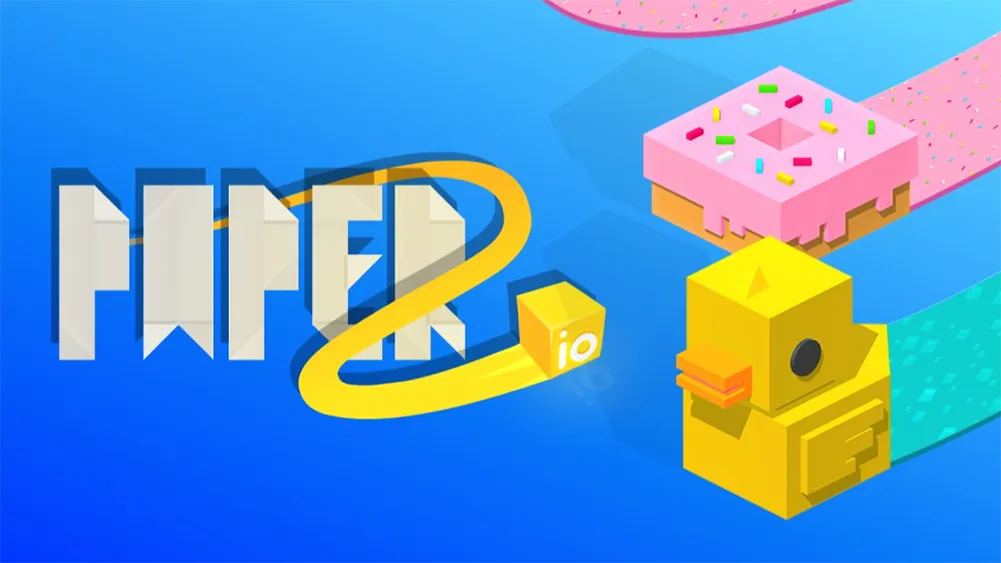
A few settings and habits will make browser gaming on your iPad significantly better. First, add frequently played Gamozy games to your home screen via Safari's "Add to Home Screen" option — this gives you an app-like icon that opens the game directly in a full-screen browser view. Second, rotate to landscape mode for games with wide layouts like Paper.io 2 and Ludo Royal — the extra horizontal space makes a meaningful difference. Third, enable "Display Zoom" in your iPad settings to maximize game size on older models with smaller screens. Fourth, use Safari rather than Chrome on iPad for the best HTML5 performance — Safari is optimized specifically for Apple hardware and typically handles browser games more efficiently.
Best Games to Play on iPad Screen
The larger iPad screen unlocks games that feel cramped on a phone. Ludo Royal is dramatically better on iPad — you can see the entire board clearly and tap pieces with precision. 2048 benefits from the bigger grid view, making it easier to plan moves across the board. Paper.io 2's territory map is much more readable on a large screen, which improves strategic decision-making. Water Color Sort's tube interface is naturally suited to touch interaction on a large screen — the larger tap targets feel very natural. Hexa Blast's hexagonal grid benefits from the extra space too, making placement decisions much easier to visualize. Any of Gamozy's puzzle or strategy games will feel noticeably more comfortable on an iPad than a phone.
Family Gaming on iPad — Share the Screen
iPad's large screen also makes it a great device for family gaming. Two-player games like Ludo Royal and Ping Pong Ball work especially well when family members take turns on the same device. The screen is large enough that you're not crowding each other, and the touch interface is intuitive enough that kids and adults can pick up controls without explanation. For families looking for screen time that's genuinely interactive and social rather than passive consumption, browser gaming on a shared iPad hits a sweet spot. No accounts required means there's no friction about who's logged in, and no downloads means no storage management headaches.
iPad vs Phone for Browser Gaming — The Verdict
If you have both an iPhone and an iPad, the iPad wins for browser gaming in almost every case. The larger screen reduces eye strain during longer sessions. Touch targets are more accurate and comfortable for puzzle games. Landscape mode on iPad gives you a proper gaming layout that feels much more immersive. Battery life tends to be better for gaming sessions on iPad than on iPhone. The only case where phone wins is portability — if you're gaming on a commute or in a queue, a phone is simply more practical. But for home or desk gaming during breaks, the iPad delivers a noticeably better HTML5 browser game experience.
Frequently Asked Questions
Recommended Gamozy Games
Try these related free browser games after reading the guide.