이 가이드가 유용한 이유
이 가이드는 앱 설치 없이 빠르고 안전하게 즐길 수 있는 브라우저 게임을 찾는 데 도움을 줍니다. Gamozy는 작은 화면에서도 보기 좋고 짧은 시간에 즐길 수 있는 게임을 쉽게 찾도록 구성되어 있습니다.
나에게 맞는 게임 고르는 법
시작하기 전에 카테고리, 로딩 속도, 조작 방식, 플레이 시간을 확인하세요. 좋은 브라우저 게임은 몇 초 안에 시작되고 쉬는 시간에도 부담 없이 즐길 수 있습니다.
모바일과 데스크톱 팁
모바일에서는 터치나 스와이프 조작 게임이 좋습니다. 데스크톱에서는 키보드 게임, 퍼즐, 레이싱, 액션, 전략 게임이 잘 맞습니다.
자주 묻는 질문
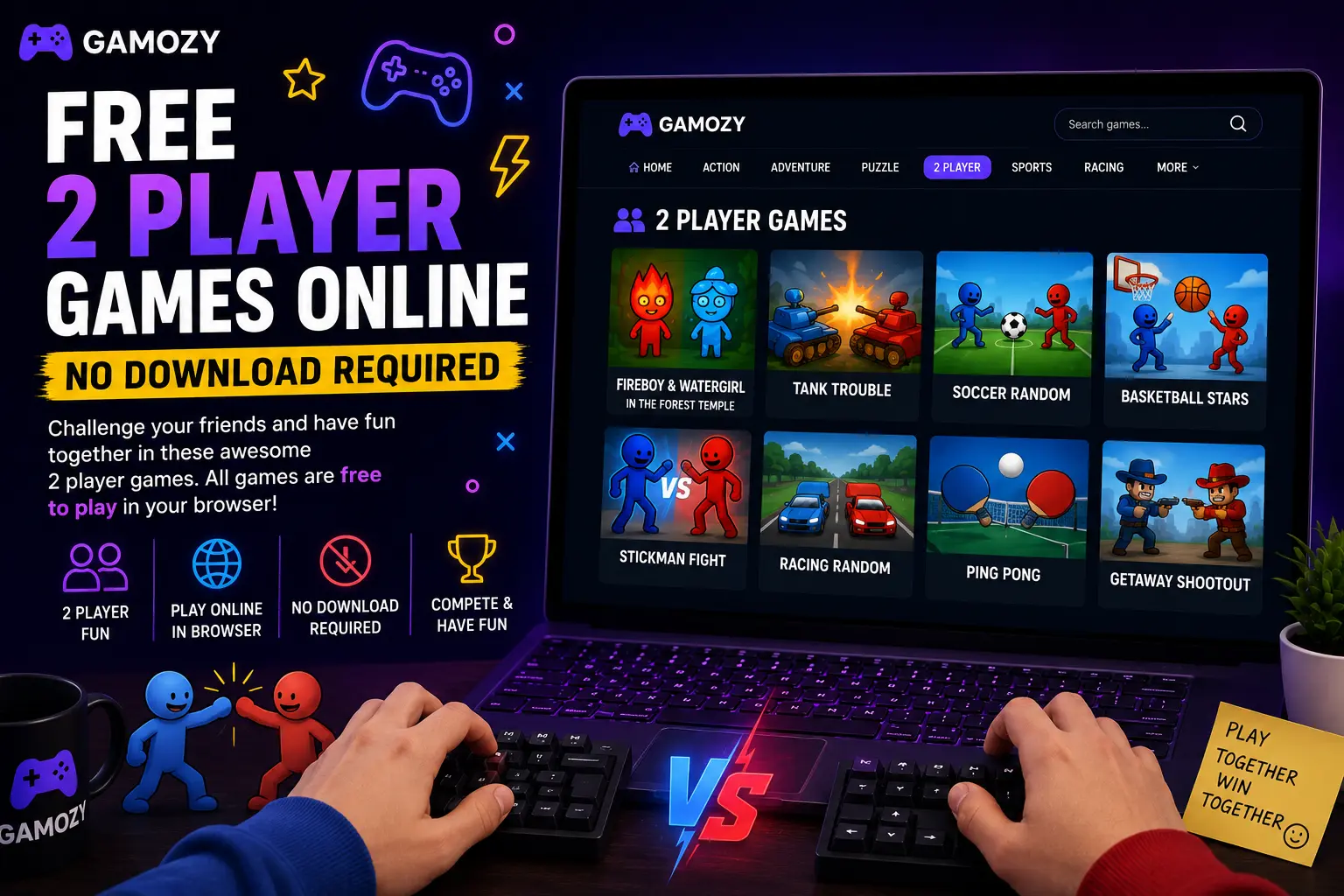
A few things make two-player browser gaming a lot more fun. For same-screen games, use a laptop or desktop with a full keyboard — it's much easier when each player has their own set of keys rather than sharing a phone screen. If you're playing online against someone in another location, make sure both players have a stable internet connection for the smoothest real-time experience. Turn up the volume — sound effects and music make competitive moments way more satisfying. And if you're playing something turn-based like Ludo Royal, set a house rule on response time so the game keeps a good pace.
Great for Families, Friends, and Classroom Breaks
Two-player browser games hit a sweet spot that works for a surprisingly wide range of situations. Parents looking for screen time that actually involves interaction with their kids will find that same-screen games on a family tablet are way more engaging than watching separate YouTube videos. Teachers looking for a low-key end-of-week reward for students can pull up a two-player game on the classroom projector for a quick competition. Friends hanging out who don't have a console can find genuine competitive entertainment without needing to own any gaming hardware. The no-download, no-account nature of Gamozy makes all of these scenarios completely frictionless.
Frequently Asked Questions
Recommended Gamozy Games
Try these related free browser games after reading the guide.