このガイドが役立つ理由
このガイドでは、アプリをインストールせずに楽しめる速くて安全なブラウザゲームを紹介します。Gamozyでは、小さな画面でも見やすく、短時間で遊べるゲームを探しやすくしています。
自分に合うゲームの選び方
始める前にカテゴリ、読み込み速度、操作方法、プレイ時間を確認しましょう。良いブラウザゲームは数秒で始まり、休憩中にも気軽に楽しめます。
モバイルとデスクトップのコツ
スマホではタップやスワイプ操作のゲームがおすすめです。デスクトップではキーボード操作、パズル、レース、アクション、戦略ゲームが遊びやすいです。
よくある質問
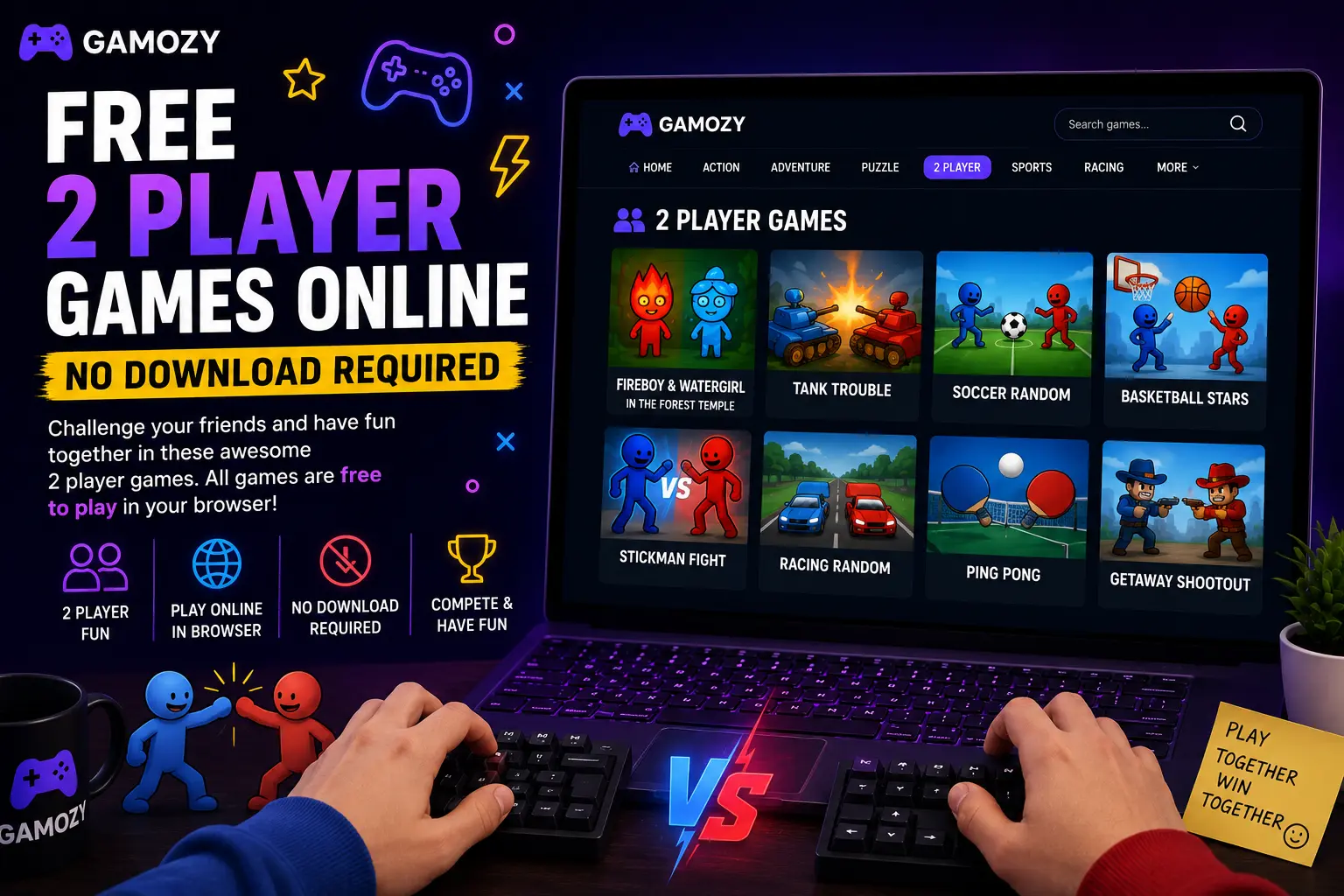
A few things make two-player browser gaming a lot more fun. For same-screen games, use a laptop or desktop with a full keyboard — it's much easier when each player has their own set of keys rather than sharing a phone screen. If you're playing online against someone in another location, make sure both players have a stable internet connection for the smoothest real-time experience. Turn up the volume — sound effects and music make competitive moments way more satisfying. And if you're playing something turn-based like Ludo Royal, set a house rule on response time so the game keeps a good pace.
Great for Families, Friends, and Classroom Breaks
Two-player browser games hit a sweet spot that works for a surprisingly wide range of situations. Parents looking for screen time that actually involves interaction with their kids will find that same-screen games on a family tablet are way more engaging than watching separate YouTube videos. Teachers looking for a low-key end-of-week reward for students can pull up a two-player game on the classroom projector for a quick competition. Friends hanging out who don't have a console can find genuine competitive entertainment without needing to own any gaming hardware. The no-download, no-account nature of Gamozy makes all of these scenarios completely frictionless.
Frequently Asked Questions
Recommended Gamozy Games
Try these related free browser games after reading the guide.