Warum dieser Leitfaden hilfreich ist
Dieser Leitfaden hilft Spielern, schnelle, sichere und einfache Spiele ohne App-Installation zu finden. Auf Gamozy sind Spiele so organisiert, dass sie schnell laden, auf kleinen Bildschirmen gut funktionieren und kurze Runden mit einfachen Steuerungen bieten.
So wählst du das richtige Spiel
Achte vor dem Start auf Kategorie, Ladezeit, Steuerung und Spieltyp. Gute Browser-Spiele lassen dich in wenigen Sekunden starten und später problemlos weiterspielen.
Tipps für Smartphone und Desktop
Auf dem Smartphone sind Tipp- und Wischsteuerungen ideal. Auf dem Desktop funktionieren Tastaturspiele, Puzzle, Rennen, Action und Strategie besonders gut.
Häufige Fragen
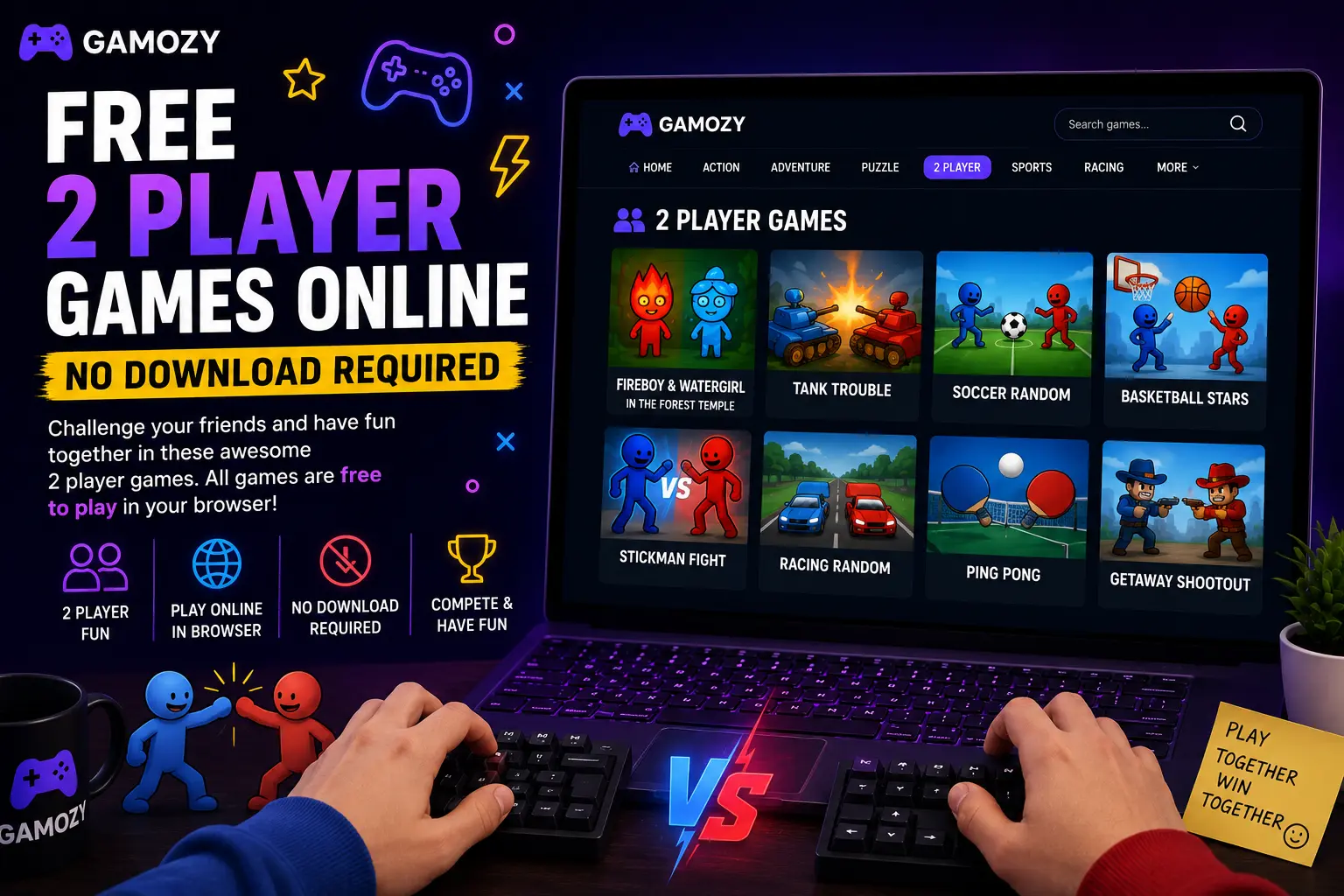
A few things make two-player browser gaming a lot more fun. For same-screen games, use a laptop or desktop with a full keyboard — it's much easier when each player has their own set of keys rather than sharing a phone screen. If you're playing online against someone in another location, make sure both players have a stable internet connection for the smoothest real-time experience. Turn up the volume — sound effects and music make competitive moments way more satisfying. And if you're playing something turn-based like Ludo Royal, set a house rule on response time so the game keeps a good pace.
Great for Families, Friends, and Classroom Breaks
Two-player browser games hit a sweet spot that works for a surprisingly wide range of situations. Parents looking for screen time that actually involves interaction with their kids will find that same-screen games on a family tablet are way more engaging than watching separate YouTube videos. Teachers looking for a low-key end-of-week reward for students can pull up a two-player game on the classroom projector for a quick competition. Friends hanging out who don't have a console can find genuine competitive entertainment without needing to own any gaming hardware. The no-download, no-account nature of Gamozy makes all of these scenarios completely frictionless.
Frequently Asked Questions
Recommended Gamozy Games
Try these related free browser games after reading the guide.