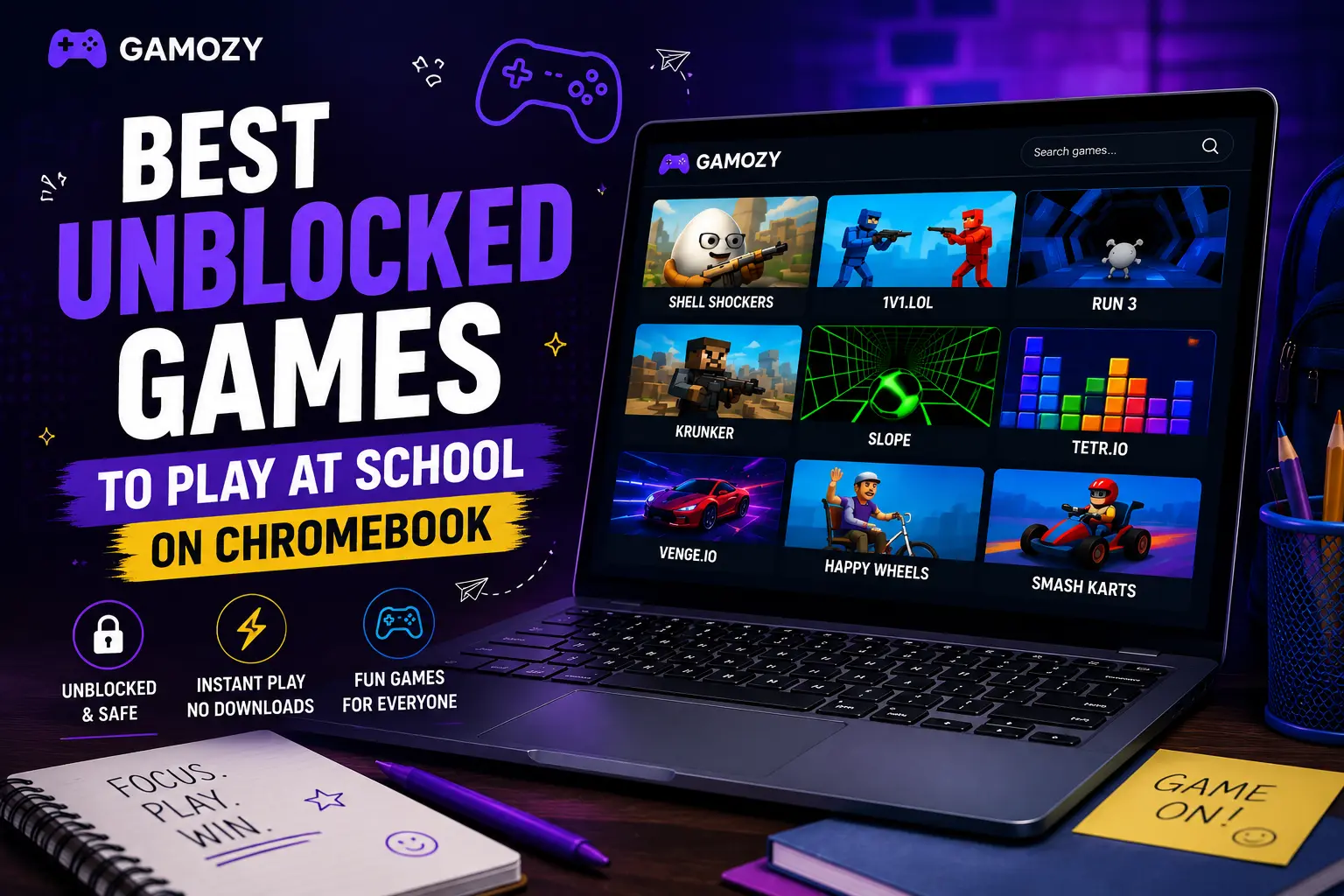
यह गाइड क्यों उपयोगी है
यह गाइड खिलाड़ियों को बिना ऐप इंस्टॉल किए तेज, सुरक्षित और आसान ब्राउज़र गेम खोजने में मदद करती है। Gamozy पर गेम छोटे स्क्रीन पर भी अच्छे दिखते हैं, जल्दी खुलते हैं और कम समय में खेलने के लिए सही रहते हैं।
सही गेम कैसे चुनें
शुरू करने से पहले कैटेगरी, लोडिंग स्पीड, कंट्रोल और गेम का प्रकार देखें। अच्छे ब्राउज़र गेम कुछ सेकंड में शुरू होते हैं और ब्रेक के समय आसानी से खेले जा सकते हैं।
मोबाइल और डेस्कटॉप सुझाव
मोबाइल पर टैप या स्वाइप कंट्रोल वाले गेम बेहतर रहते हैं। डेस्कटॉप पर कीबोर्ड, पज़ल, रेसिंग, एक्शन और रणनीति गेम अच्छे चलते हैं।
अक्सर पूछे जाने वाले सवाल
A few quick tips to make your gaming sessions smoother on a Chromebook. First, always open games in a regular Chrome tab rather than incognito — some school-managed Chromebooks block incognito mode entirely. Second, if a game feels sluggish, close other tabs; Chromebooks have limited RAM and every tab competes for it. Third, use keyboard controls where available — Chromebook trackpads are fine but keyboard inputs are always more precise for reflex games. Fourth, bookmark your favorite Gamozy games so you can jump to them instantly. And finally, be aware of your school's policies on recreational browsing — Gamozy is built for legitimate break-time fun, so keep it in that space.
Chromebook Gaming vs Phone Gaming During School
A lot of students wonder whether they're better off gaming on their phone or their school Chromebook during breaks. The honest answer is: it depends on your school's rules. Many schools have started requiring phones to be put away during the school day, which makes the Chromebook the only realistic option. Browser games on Chromebook are actually great in this context because the larger screen makes puzzle and strategy games more enjoyable, keyboard controls feel more precise for arcade games, and you're already on the device you're supposed to be using. If your school allows phone use during breaks, Gamozy works just as well on mobile — all games are touch-optimized.
Frequently Asked Questions
Recommended Gamozy Games
Try these related free browser games after reading the guide.