이 가이드가 유용한 이유
이 가이드는 앱 설치 없이 빠르고 안전하게 즐길 수 있는 브라우저 게임을 찾는 데 도움을 줍니다. Gamozy는 작은 화면에서도 보기 좋고 짧은 시간에 즐길 수 있는 게임을 쉽게 찾도록 구성되어 있습니다.
나에게 맞는 게임 고르는 법
시작하기 전에 카테고리, 로딩 속도, 조작 방식, 플레이 시간을 확인하세요. 좋은 브라우저 게임은 몇 초 안에 시작되고 쉬는 시간에도 부담 없이 즐길 수 있습니다.
모바일과 데스크톱 팁
모바일에서는 터치나 스와이프 조작 게임이 좋습니다. 데스크톱에서는 키보드 게임, 퍼즐, 레이싱, 액션, 전략 게임이 잘 맞습니다.
자주 묻는 질문
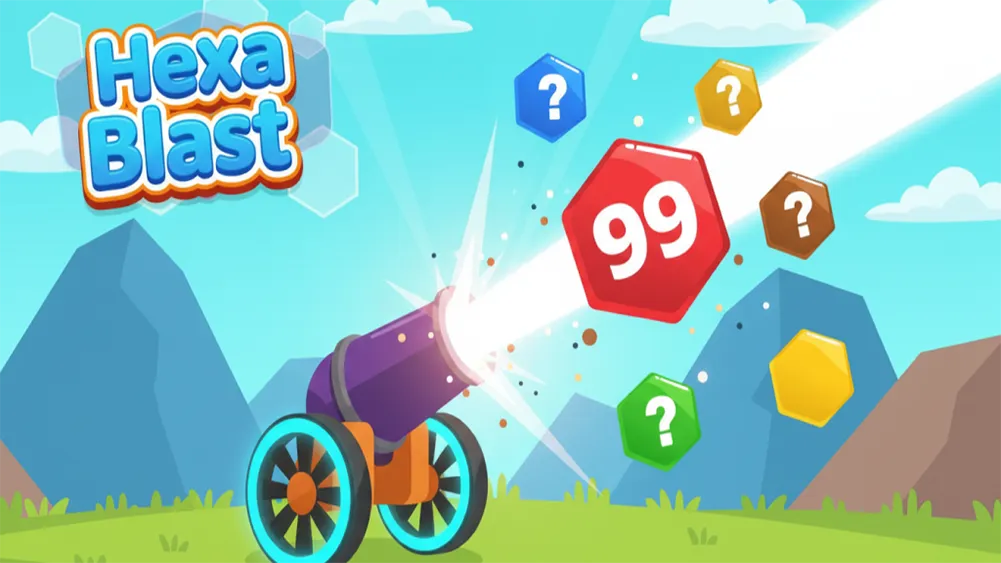
Library gaming requires a specific type of game: quiet, visually unassuming in a browser tab, and easy to minimize when a librarian or professor walks by. 2048 is the library gaming champion — it literally looks like a grid of numbers. Water Color Sort has a calm, professional-looking visual design that doesn't scream "gaming." Hexa Blast is colorful but contained within a small game window. All of these run silently with no audio needed and can be in a browser tab next to your actual research. The no-download requirement is also important for library computers — you're not installing anything on a shared machine, which is both considerate and practically important since library computers often restrict software installation.
Browser Games as a Stress Relief Tool During Finals
Finals season is one of the most stressful periods in a college student's year, and healthy stress relief is genuinely important for performance. Short, focused gaming sessions during study breaks have been shown to help reset cognitive fatigue and maintain focus across long study periods. The key is using games intentionally — a fifteen-minute 2048 session as a deliberate study break is restorative. The same fifteen minutes that drifts into an hour of Paper.io 2 is a problem. Browser games without compelling push notifications or social pressure are actually better for this use case than mobile games, because they don't pull you back in after your break ends. Close the tab, and the pull to return is much weaker than with a game that sends you notifications.
Frequently Asked Questions
Recommended Gamozy Games
Try these related free browser games after reading the guide.