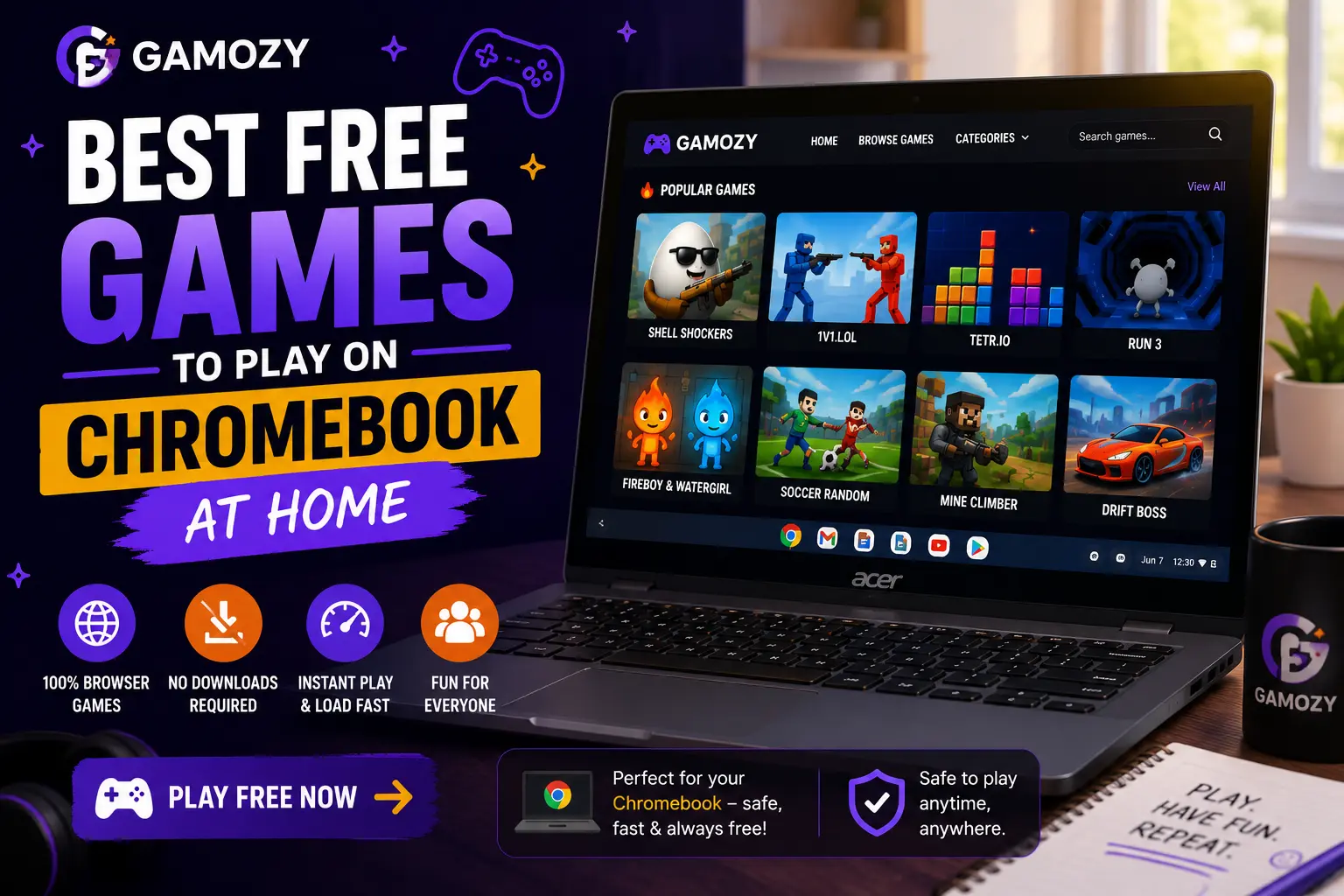
Why Chromebook Is Actually a Great Gaming Device
Chromebooks are often dismissed as gaming devices because they can't run most downloaded games or native software. But for browser-based HTML5 gaming, a Chromebook is genuinely excellent. Chrome OS keeps Chrome always updated to the latest version, which means the best possible HTML5 performance on every Chromebook. The OS runs lean and fast, which means your available processing power goes to the game rather than background operating system tasks. And Chromebooks charge quickly and have solid battery life, making them practical for extended gaming sessions around the house. The limitation on downloaded games is actually irrelevant for browser gaming — every Gamozy game works perfectly in Chrome with no installation required.
Games That Shine on Chromebook's Chrome Browser
Several Gamozy games are particularly well-suited to Chromebook play. 2048 is a natural fit for Chromebook — keyboard arrow keys work perfectly for tile movement, and the minimal interface looks great on any Chromebook screen size. Hexa Blast's mouse-based placement mechanics work smoothly on Chromebook trackpads. Paper.io 2 is excellent on a Chromebook because the keyboard controls feel precise and responsive for territory claiming. Ludo Royal works well with mouse or trackpad for piece movement. Hexa Blast and Water Color Sort both benefit from the Chromebook's mouse precision, which makes placement and selection more accurate than on touchscreen-only devices.
Home Chromebook Gaming vs School Chromebook Gaming
Gaming on a home Chromebook is a different experience than gaming on a school-issued one. Home Chromebooks aren't managed by a school's IT policy, which means you have full freedom to access any appropriate website including gaming platforms. You can also adjust browser settings, use extensions, and customize your experience in ways that school-managed devices don't allow. For students who game on their personal Chromebook at home after school hours, Gamozy offers the full library without any network filtering restrictions. This is particularly relevant for students who find school-issued Chromebooks too restricted for gaming — their home device gives them the same hardware capability without the policy limitations.
Multiplayer Browser Gaming on Your Home Chromebook
Home Chromebook gaming is perfect for getting into multiplayer browser games since you're on your own unrestricted internet connection rather than a school or office network. Paper.io 2 performs beautifully on a Chromebook — the keyboard controls are responsive and precise, which gives you an advantage in competitive territory claiming. Ludo Royal's turn-based format is well suited to Chromebook play, with the trackpad providing comfortable, accurate piece selection. For family gaming sessions, Ludo Royal on a Chromebook connected to a larger external monitor (if you have one) creates an excellent shared gaming setup without requiring any console or gaming-specific hardware.
Getting the Best Gaming Performance From Your Chromebook
A few simple tips help maximize Chromebook gaming performance. Close unused Chrome tabs before starting a game — each tab uses RAM, and freeing up memory makes games run more smoothly. Keep Chrome updated to the latest version, which happens automatically on Chromebooks but worth confirming in Settings. If your Chromebook is older or lower-spec, simpler games like 2048 and Snake Go will run more smoothly than more graphically complex titles. Using your Chromebook plugged into power rather than on battery can also improve performance on older models where battery saving modes throttle processing speed. These small adjustments make a noticeable difference, especially on entry-level Chromebook models.
Frequently Asked Questions
Recommended Gamozy Games
Try these related free browser games after reading the guide.