이 가이드가 유용한 이유
이 가이드는 앱 설치 없이 빠르고 안전하게 즐길 수 있는 브라우저 게임을 찾는 데 도움을 줍니다. Gamozy는 작은 화면에서도 보기 좋고 짧은 시간에 즐길 수 있는 게임을 쉽게 찾도록 구성되어 있습니다.
나에게 맞는 게임 고르는 법
시작하기 전에 카테고리, 로딩 속도, 조작 방식, 플레이 시간을 확인하세요. 좋은 브라우저 게임은 몇 초 안에 시작되고 쉬는 시간에도 부담 없이 즐길 수 있습니다.
모바일과 데스크톱 팁
모바일에서는 터치나 스와이프 조작 게임이 좋습니다. 데스크톱에서는 키보드 게임, 퍼즐, 레이싱, 액션, 전략 게임이 잘 맞습니다.
자주 묻는 질문
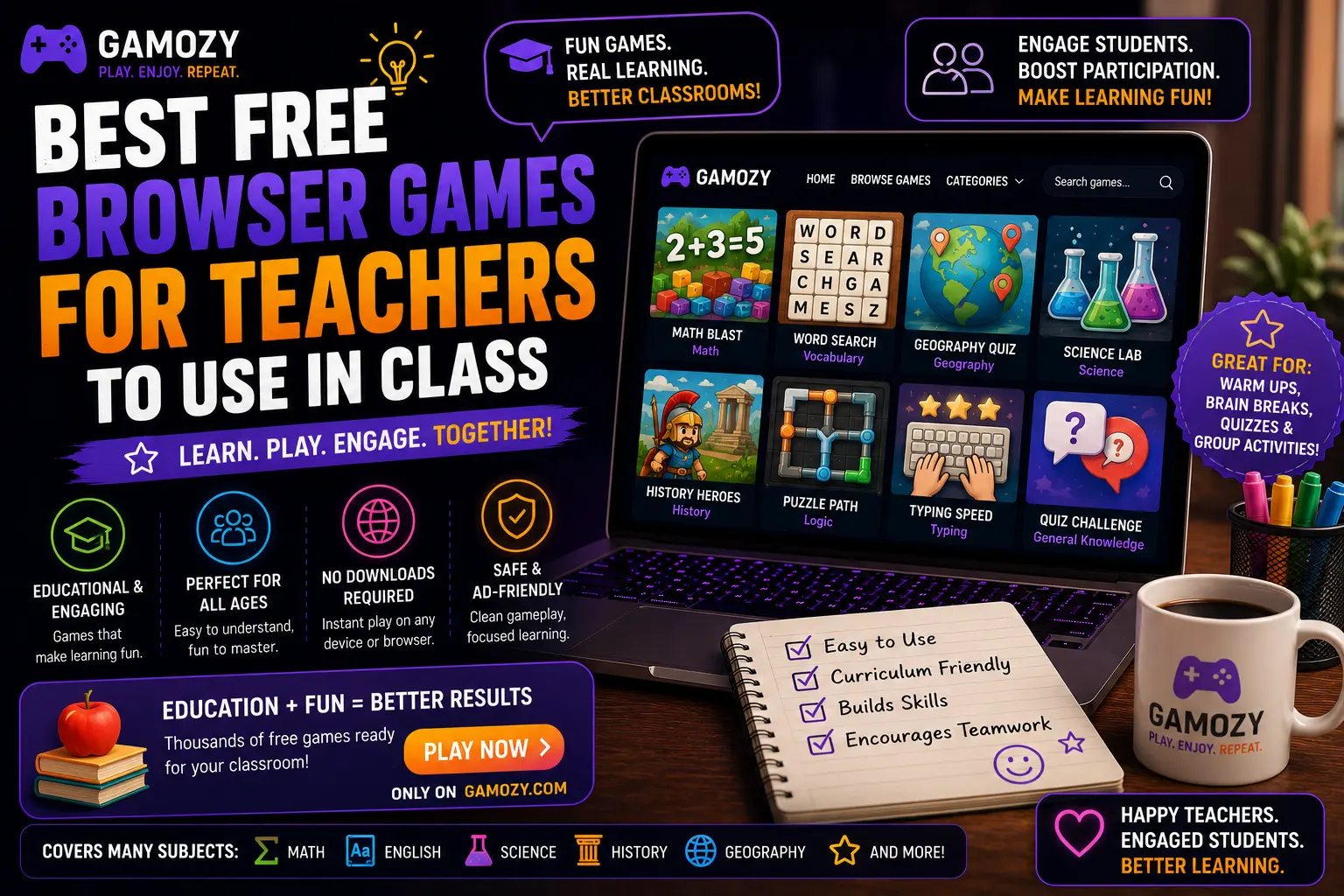
For whole-class engagement, particularly on lighter instructional days, Ludo Royal can work well as a projected activity where the class collectively decides on moves, or where individual students take turns controlling pieces. This works particularly well for younger grades where the social, turn-based nature of the game maps onto classroom management skills like patience and turn-taking. For older students, a friendly classroom 2048 high-score competition — students play individually on their devices and report their best scores — can add a light competitive element to an otherwise low-stakes activity.
Practical Tips for Using Gamozy in Your Classroom
A few practical considerations help integrate Gamozy smoothly into classroom use. Check your school's specific policies on outside websites before introducing any new resource, even one that requires no account or download. Bookmark specific game pages in your classroom browser favorites for quick access without needing to navigate the full site each time. Set clear time expectations before starting any game activity — "we're doing five minutes of 2048 and then back to math" works better than open-ended game time. And consider previewing any game yourself before introducing it to students, just to confirm it matches your classroom's specific needs and your comfort level with the content and pacing.
Frequently Asked Questions
Recommended Gamozy Games
Try these related free browser games after reading the guide.