Pourquoi ce guide est utile
Ce guide aide les joueurs à trouver des jeux rapides, sûrs et simples sans installer d’application. Sur Gamozy, les jeux sont organisés pour se lancer vite, s’adapter aux petits écrans et proposer des sessions courtes avec des contrôles faciles.
Comment choisir le bon jeu
Regardez la catégorie, le temps de chargement, les contrôles et le style de partie avant de commencer. Les meilleurs jeux de navigateur permettent de jouer en quelques secondes et de revenir facilement plus tard.
Conseils pour mobile et ordinateur
Sur mobile, choisissez plutôt des jeux au toucher ou au glissement. Sur ordinateur, les jeux au clavier, de puzzle, de course, d’action et de stratégie sont très adaptés.
Questions fréquentes
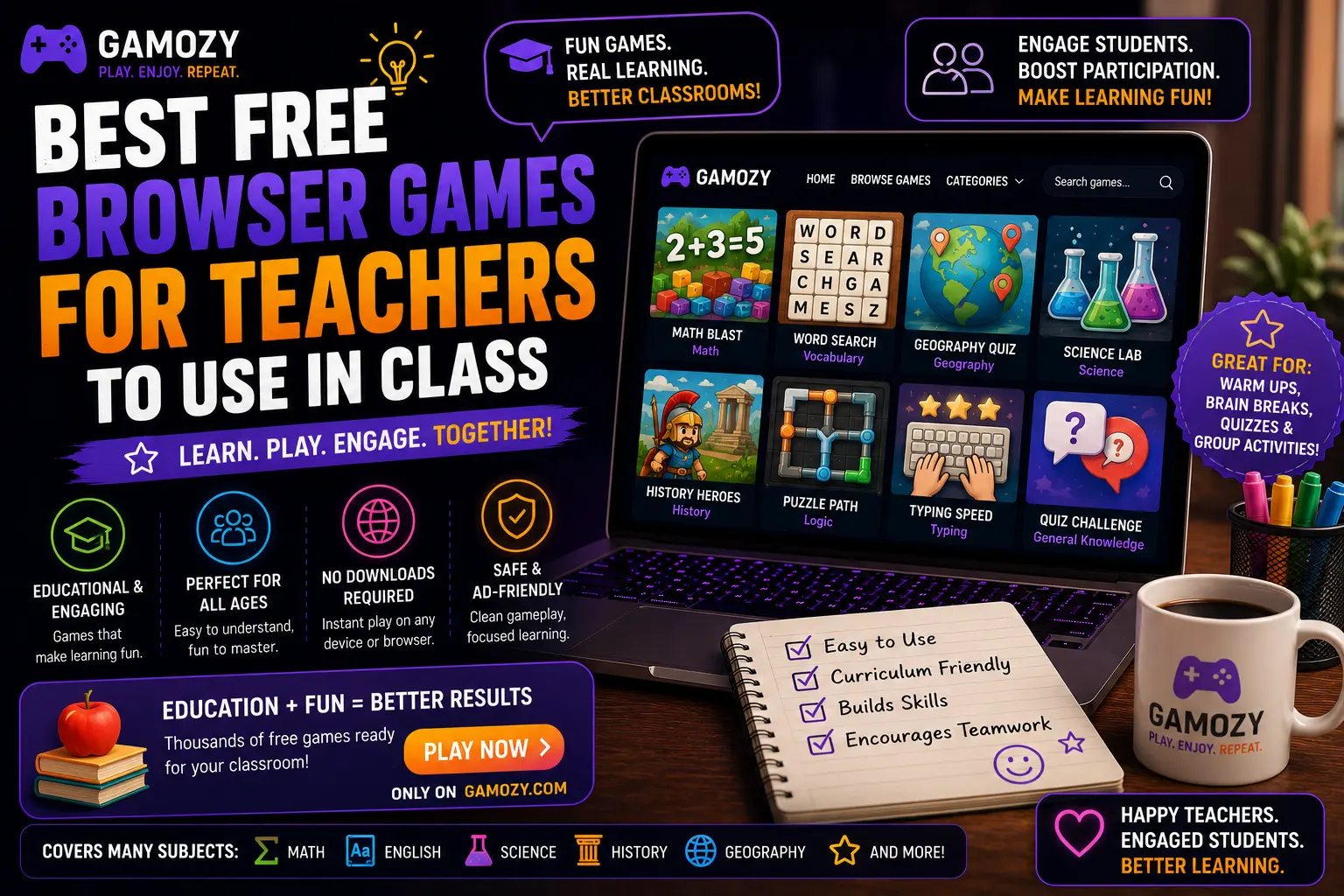
For whole-class engagement, particularly on lighter instructional days, Ludo Royal can work well as a projected activity where the class collectively decides on moves, or where individual students take turns controlling pieces. This works particularly well for younger grades where the social, turn-based nature of the game maps onto classroom management skills like patience and turn-taking. For older students, a friendly classroom 2048 high-score competition — students play individually on their devices and report their best scores — can add a light competitive element to an otherwise low-stakes activity.
Practical Tips for Using Gamozy in Your Classroom
A few practical considerations help integrate Gamozy smoothly into classroom use. Check your school's specific policies on outside websites before introducing any new resource, even one that requires no account or download. Bookmark specific game pages in your classroom browser favorites for quick access without needing to navigate the full site each time. Set clear time expectations before starting any game activity — "we're doing five minutes of 2048 and then back to math" works better than open-ended game time. And consider previewing any game yourself before introducing it to students, just to confirm it matches your classroom's specific needs and your comfort level with the content and pacing.
Frequently Asked Questions
Recommended Gamozy Games
Try these related free browser games after reading the guide.