Why Teachers Need a Reliable Game Resource
Teachers regularly face moments where a quick, classroom-appropriate game would be genuinely useful — a brain break between lessons, a reward for finishing work early, a fun activity for the last ten minutes before a holiday break, or a way to keep students engaged during a sub day. The challenge is finding games that meet the practical requirements of a classroom setting: no downloads that require IT approval, no student account creation that raises data privacy concerns, no inappropriate content, and quick enough to set up that they don't eat into actual instructional time. Browser games on Gamozy meet all of these requirements, making the platform a practical resource worth bookmarking for classroom use.
Brain Break Games Between Lessons
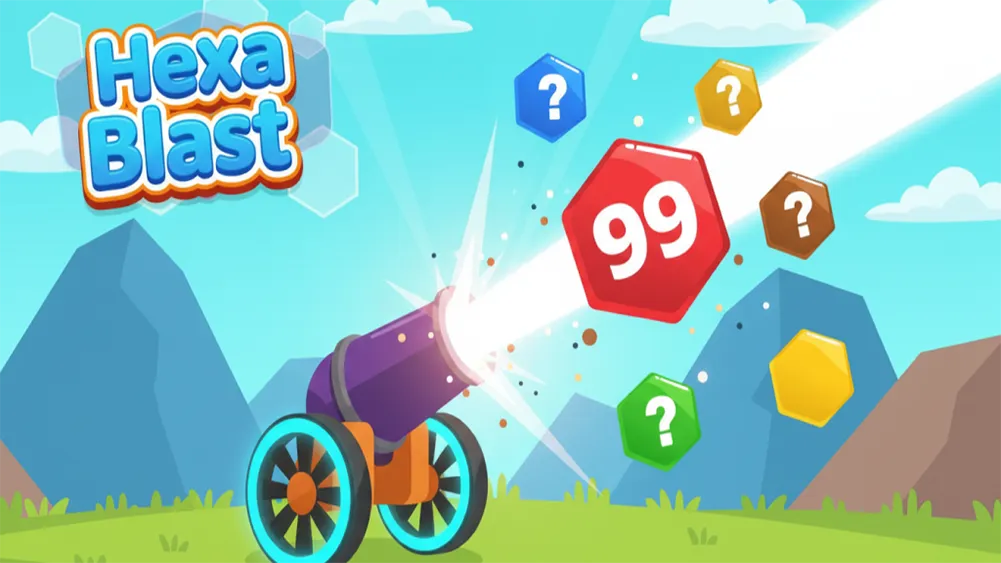
Short brain breaks between lessons have research support for improving subsequent focus and retention, and a quick game session is one of the more engaging ways to deliver this. 2048 works well projected on a classroom screen, with the teacher or a student volunteer making moves while the class discusses strategy together — this also subtly reinforces number sense and pattern recognition. Hexa Blast provides similar engagement with its visual, spatial puzzle mechanics. These work well as five-minute activities that genuinely reset student attention without requiring elaborate setup or significant class time investment.
Reward Activities for Individual Students
Many teachers use free choice time as a reward for students who finish assigned work early, and having a reliable bank of appropriate game options matters for this use case. Since Gamozy requires no account creation, students can simply navigate to a specific game page on their assigned device without any login friction. Water Color Sort and Animal Saga are particularly good choices for individual reward time — they're calm enough not to disrupt other students who are still working, and engaging enough to feel like a genuine reward rather than busywork. The lack of multiplayer competitive elements also means there's no risk of disruptive trash talk or competitive frustration during independent work time.
Whole-Class Activities and Competitions
For whole-class engagement, particularly on lighter instructional days, Ludo Royal can work well as a projected activity where the class collectively decides on moves, or where individual students take turns controlling pieces. This works particularly well for younger grades where the social, turn-based nature of the game maps onto classroom management skills like patience and turn-taking. For older students, a friendly classroom 2048 high-score competition — students play individually on their devices and report their best scores — can add a light competitive element to an otherwise low-stakes activity.
Practical Tips for Using Gamozy in Your Classroom
A few practical considerations help integrate Gamozy smoothly into classroom use. Check your school's specific policies on outside websites before introducing any new resource, even one that requires no account or download. Bookmark specific game pages in your classroom browser favorites for quick access without needing to navigate the full site each time. Set clear time expectations before starting any game activity — "we're doing five minutes of 2048 and then back to math" works better than open-ended game time. And consider previewing any game yourself before introducing it to students, just to confirm it matches your classroom's specific needs and your comfort level with the content and pacing.
Frequently Asked Questions
Recommended Gamozy Games
Try these related free browser games after reading the guide.