Por qué esta guía es útil
Esta guía ayuda a los jugadores a encontrar opciones rápidas, seguras y simples sin instalar aplicaciones. En Gamozy, los juegos se organizan para abrir rápido, funcionar bien en pantallas pequeñas y ofrecer sesiones cortas con controles fáciles.
Cómo elegir el juego correcto
Revisa la categoría, el tiempo de carga, los controles y el tipo de partida antes de empezar. Los mejores juegos de navegador permiten jugar en pocos segundos y volver fácilmente cuando tengas otro descanso.
Consejos para móvil y escritorio
En móvil conviene elegir juegos con controles de toque o deslizamiento. En escritorio funcionan muy bien los juegos de teclado, puzzle, carreras, acción y estrategia.
Preguntas frecuentes
The research on casual gaming and cognitive health in older adults is genuinely encouraging. Studies published in journals including Frontiers in Aging Neuroscience have found that regular engagement with puzzle and strategy games is associated with better performance on cognitive assessments and may support the maintenance of mental sharpness over time. The mechanisms aren't magic — puzzle games exercise working memory, pattern recognition, and forward planning, which are cognitive functions that benefit from regular use. The social element of games like Ludo Royal adds another dimension, as social engagement is independently associated with better cognitive outcomes in older adults. The key finding is that the games need to be genuinely engaging rather than repetitive tasks — which is exactly what good game design provides.
Getting Started: No Tech Experience Required
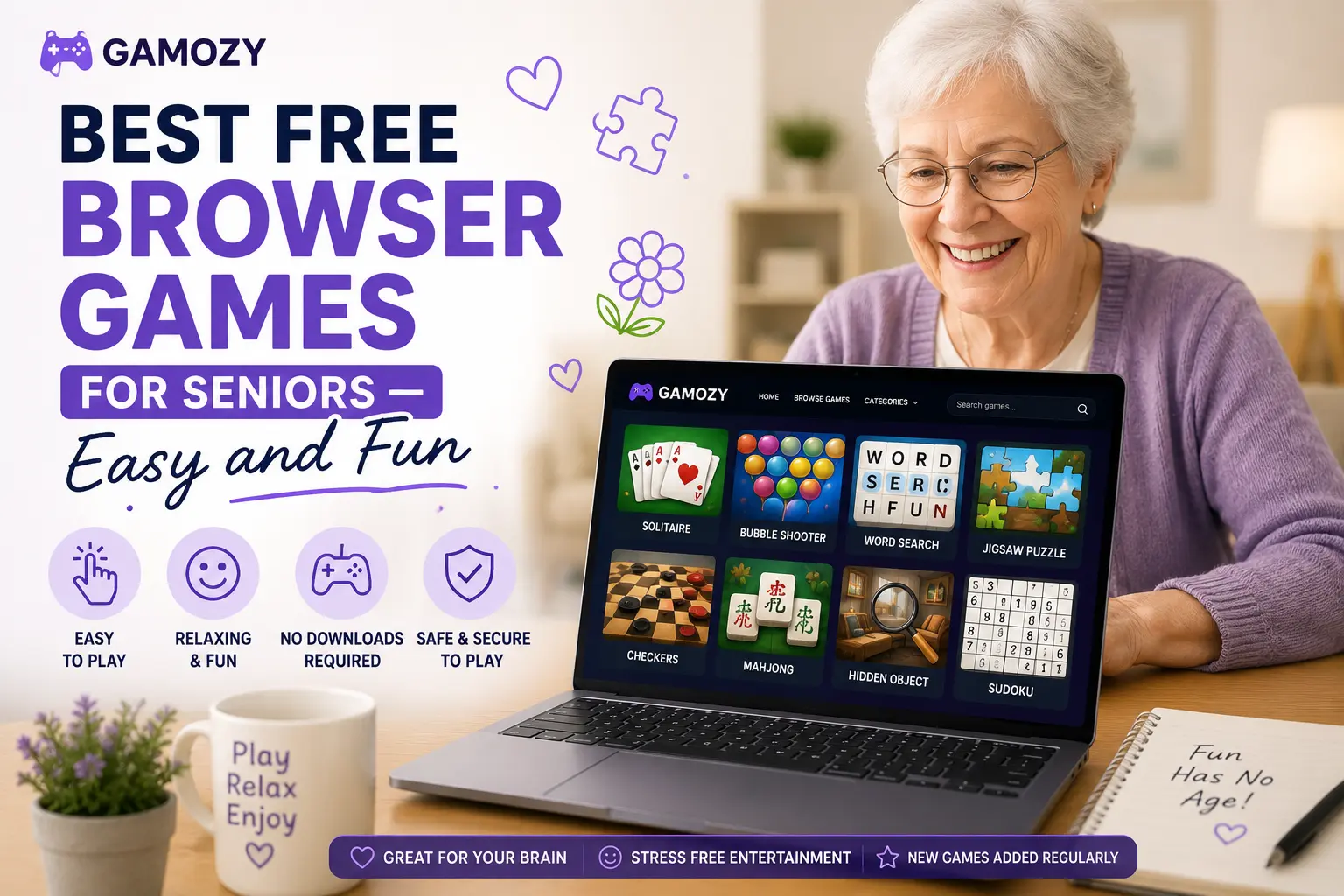
One of the most common barriers older adults face with online gaming is the perception that it requires technical knowledge they don't have. Gamozy is designed to remove this barrier entirely. There's no account to create, no password to remember, and no settings to configure. You type gamozy.com into your browser, or have a family member bookmark a specific game page, and the game is there and ready to play. Instructions are clear and written in plain language. If you make a mistake in most games, there's an undo button or a simple restart option. The interface is designed for players who are there to enjoy the game, not navigate a complex platform. For family members who want to introduce older relatives to online gaming, Gamozy is one of the simplest, most welcoming starting points available.
Frequently Asked Questions
Juegos recomendados de Gamozy
Prueba estos juegos gratis relacionados después de leer la guía.