
No More Cross-Platform Compatibility Headaches
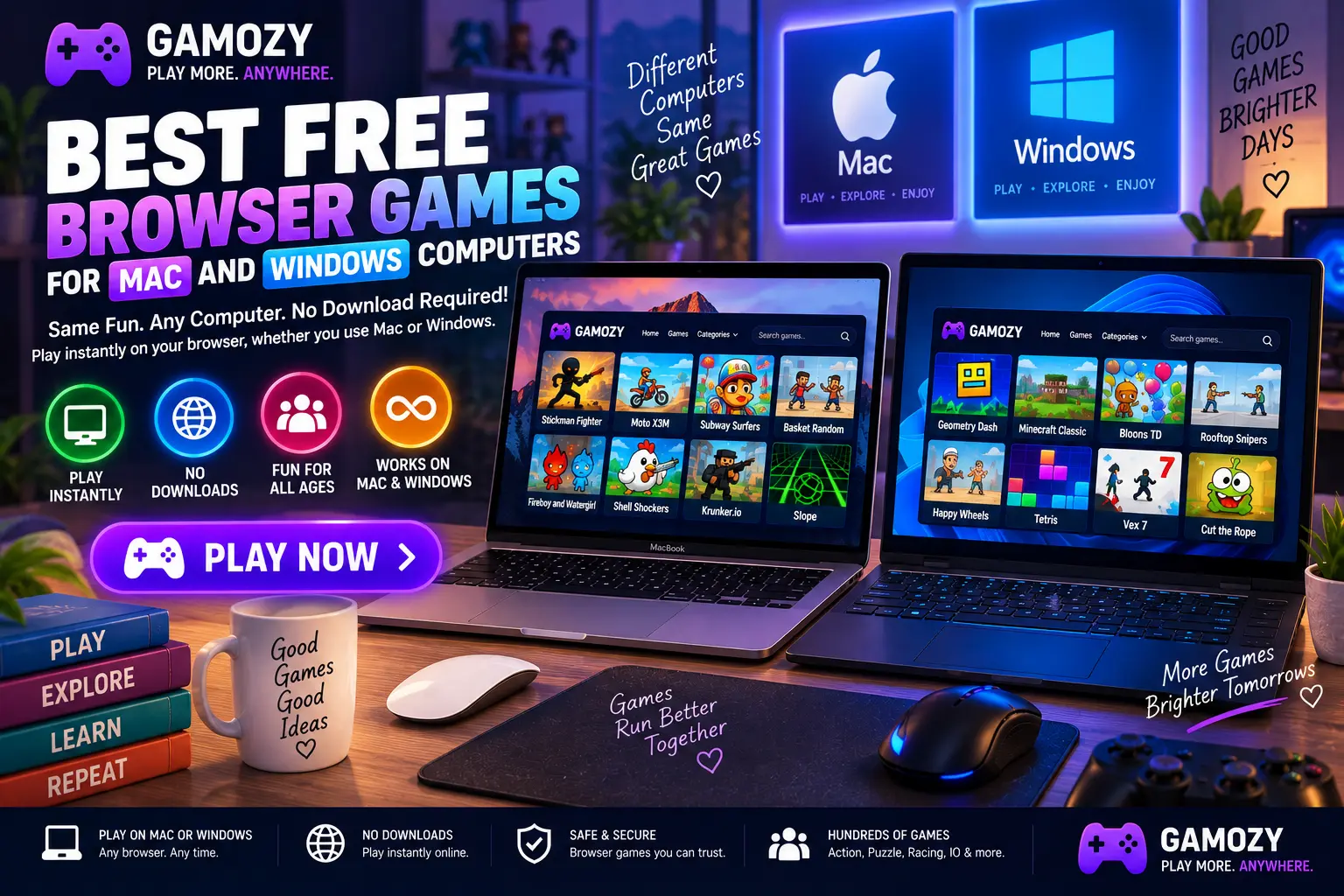
One of the quietly frustrating parts of gaming on a computer is compatibility — a game built for Windows might not run on Mac, and vice versa, and even when both versions exist, they don't always feel identical. Browser games remove this problem entirely. An HTML5 game running in Chrome, Safari, Edge, or Firefox behaves exactly the same whether you're on a Mac, a Windows laptop, or a Linux machine, because the browser itself handles all the platform-specific work behind the scenes. Every game on Gamozy works identically regardless of which operating system you're running.
Best Browsers for Desktop Gaming
For Windows users, Chrome and Edge both handle HTML5 games very well, with Edge benefiting from being built on the same Chromium engine as Chrome while adding Windows-specific optimizations. For Mac users, Safari is well optimized for Apple hardware and tends to be efficient on battery for laptop gaming, while Chrome remains an equally solid choice with slightly broader compatibility for certain web technologies. Whichever combination you use, keeping your browser updated ensures the best possible performance for HTML5 games.
Keyboard and Mouse Advantages for Certain Games
Desktop gaming on Mac or Windows brings a real advantage for games with precise controls. 2048's arrow-key movement is more precise on a physical keyboard than touch swipes. Paper.io 2 benefits from the accuracy of mouse or trackpad movement for careful territory claiming. Hexa Blast's placement mechanics feel more deliberate with a mouse than with touch, making desktop the preferred platform for players who want maximum control precision in these titles.
Gaming on a Work or Study Laptop
Many people's primary computer is also their work or study machine, which means downloading and installing games often isn't practical or allowed. Browser games solve this cleanly — nothing gets installed, no admin permissions are required, and everything runs within a standard browser tab that behaves like any other website you'd visit for work. For anyone using a company-managed Mac or a school-issued Windows laptop, Gamozy's zero-install model avoids IT friction entirely.
Consistent Performance Across Desktop Hardware
HTML5 games are lightweight by design, which means they run smoothly across a wide range of desktop and laptop hardware — from a brand-new MacBook Pro to an older Windows laptop several years old. You don't need dedicated graphics hardware or a high-end processor to enjoy Gamozy's library; a standard integrated graphics setup handles puzzle, arcade, and strategy games comfortably. This makes browser gaming one of the most consistently accessible options across the full range of Mac and Windows machines people actually own.
Frequently Asked Questions
Recommended Gamozy Games
Try these related free browser games after reading the guide.