Perché questa guida è utile
Questa guida aiuta i giocatori a trovare giochi rapidi, sicuri e semplici senza installare app. Su Gamozy, i giochi sono organizzati per caricarsi velocemente, adattarsi agli schermi piccoli e offrire sessioni brevi con controlli facili.
Come scegliere il gioco giusto
Controlla categoria, tempo di caricamento, controlli e stile di gioco prima di iniziare. I migliori giochi da browser permettono di giocare in pochi secondi e tornare facilmente più tardi.
Consigli per mobile e desktop
Su mobile scegli giochi con tocchi o scorrimenti. Su desktop funzionano bene giochi da tastiera, puzzle, corse, azione e strategia.
Domande frequenti
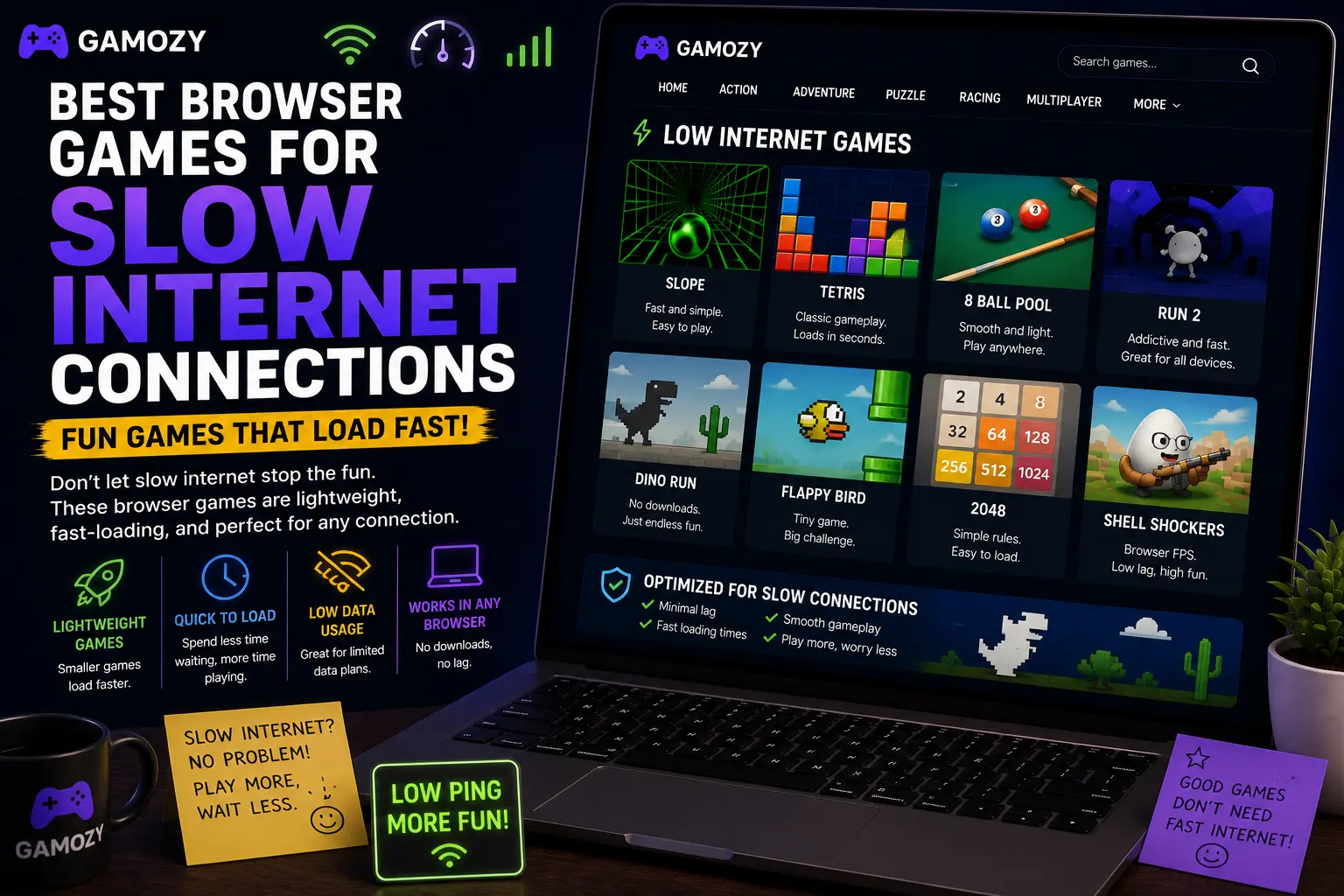
A few strategies can make browser gaming much more reliable on a bad connection. First, let the game fully load before you start playing — most browser games load all their assets upfront, and playing before the load is complete can cause glitches. Second, close other tabs and apps that might be competing for bandwidth. Video streaming, file downloads, and cloud sync tools can all throttle your available connection. Third, stick to single-player games when your connection is unreliable — real-time multiplayer games need consistent low-latency connections to work properly, and a spotty signal will cause lag and disconnections. Fourth, if a game isn't loading, try refreshing once — sometimes a single slow request causes a timeout that a fresh page load resolves quickly.
Gamozy's Performance on Mobile Data
Gamozy was built with performance in mind from the start. The site uses modern web optimization techniques including asset compression, efficient caching, and Cloudflare's global CDN to ensure that games load quickly regardless of where you are in the world. On a 4G mobile connection, most games on Gamozy load in under five seconds. On a slow 3G connection or congested WiFi, load times will be longer, but the lightweight nature of HTML5 games means you're still looking at a far better experience than trying to load a heavy web application or stream video. Once a game is loaded in your browser, many of them run without any further data usage at all.
Frequently Asked Questions
Recommended Gamozy Games
Try these related free browser games after reading the guide.