Why Internet Speed Matters for Browser Games
Not all browser games are equally demanding on your internet connection. Some games — particularly real-time multiplayer titles with high-resolution assets and constant server communication — need a solid, fast connection to run smoothly. Others are designed to be extremely lightweight: small file sizes, minimal server calls after the initial load, and optimized assets that work well even on mobile data or a shared WiFi network. For anyone gaming in a place with unreliable internet — a coffee shop, a commute, a hotel, a school network, or a rural area with limited connectivity — knowing which type of game you're dealing with makes a huge difference in whether you actually have fun or spend most of your time watching a loading screen.
What Makes a Game Low-Data and Fast-Loading?
The lightest browser games share a few common traits. They use compressed, minimal asset files — small images, simple audio, and efficient code. They don't stream content continuously from a server; instead, they load their assets once and run locally in your browser after that. Single-player games with no real-time server communication are almost always better for slow connections than multiplayer games that need to constantly sync with a server. Text and number-based games like 2048 are extremely light because they don't rely on large image assets at all — the entire game is rendered with simple HTML and CSS. Physics and puzzle games with clean vector graphics are also typically very efficient.
Best Low-Data Games on Gamozy
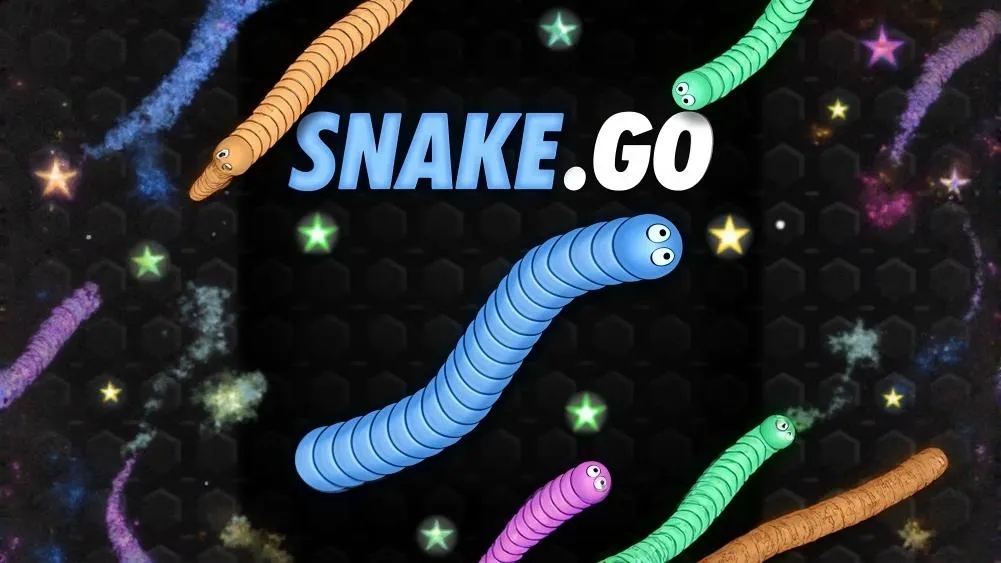
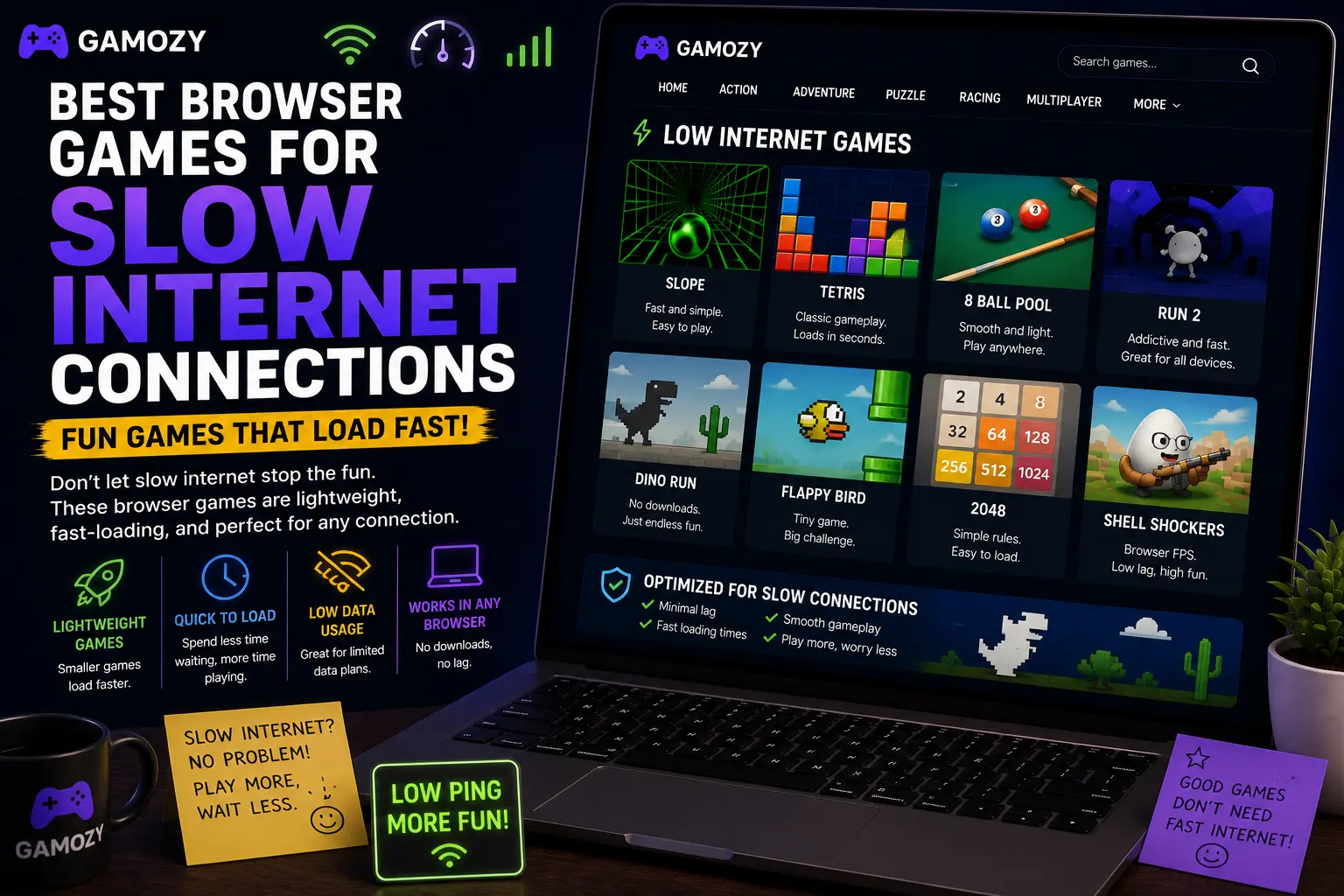
Several games on Gamozy are particularly well-suited for slow internet play. 2048 is probably the lightest fully-featured puzzle game on the internet — the assets are tiny, it loads almost instantly even on mobile data, and once it's loaded, it runs entirely in your browser with no ongoing data usage. Snake Go is another excellent choice — the graphics are simple and stylized, the file size is minimal, and the gameplay is entirely local after the initial load. Water Color Sort has clean, minimal visuals that keep its data footprint small. Knife Hit Emoji loads quickly thanks to its simple art style and doesn't require any server communication during play.
Tips for Gaming on Slow or Limited Internet
A few strategies can make browser gaming much more reliable on a bad connection. First, let the game fully load before you start playing — most browser games load all their assets upfront, and playing before the load is complete can cause glitches. Second, close other tabs and apps that might be competing for bandwidth. Video streaming, file downloads, and cloud sync tools can all throttle your available connection. Third, stick to single-player games when your connection is unreliable — real-time multiplayer games need consistent low-latency connections to work properly, and a spotty signal will cause lag and disconnections. Fourth, if a game isn't loading, try refreshing once — sometimes a single slow request causes a timeout that a fresh page load resolves quickly.
Gamozy's Performance on Mobile Data
Gamozy was built with performance in mind from the start. The site uses modern web optimization techniques including asset compression, efficient caching, and Cloudflare's global CDN to ensure that games load quickly regardless of where you are in the world. On a 4G mobile connection, most games on Gamozy load in under five seconds. On a slow 3G connection or congested WiFi, load times will be longer, but the lightweight nature of HTML5 games means you're still looking at a far better experience than trying to load a heavy web application or stream video. Once a game is loaded in your browser, many of them run without any further data usage at all.
Frequently Asked Questions
Recommended Gamozy Games
Try these related free browser games after reading the guide.