Warum dieser Leitfaden hilfreich ist
Dieser Leitfaden hilft Spielern, schnelle, sichere und einfache Spiele ohne App-Installation zu finden. Auf Gamozy sind Spiele so organisiert, dass sie schnell laden, auf kleinen Bildschirmen gut funktionieren und kurze Runden mit einfachen Steuerungen bieten.
So wählst du das richtige Spiel
Achte vor dem Start auf Kategorie, Ladezeit, Steuerung und Spieltyp. Gute Browser-Spiele lassen dich in wenigen Sekunden starten und später problemlos weiterspielen.
Tipps für Smartphone und Desktop
Auf dem Smartphone sind Tipp- und Wischsteuerungen ideal. Auf dem Desktop funktionieren Tastaturspiele, Puzzle, Rennen, Action und Strategie besonders gut.
Häufige Fragen
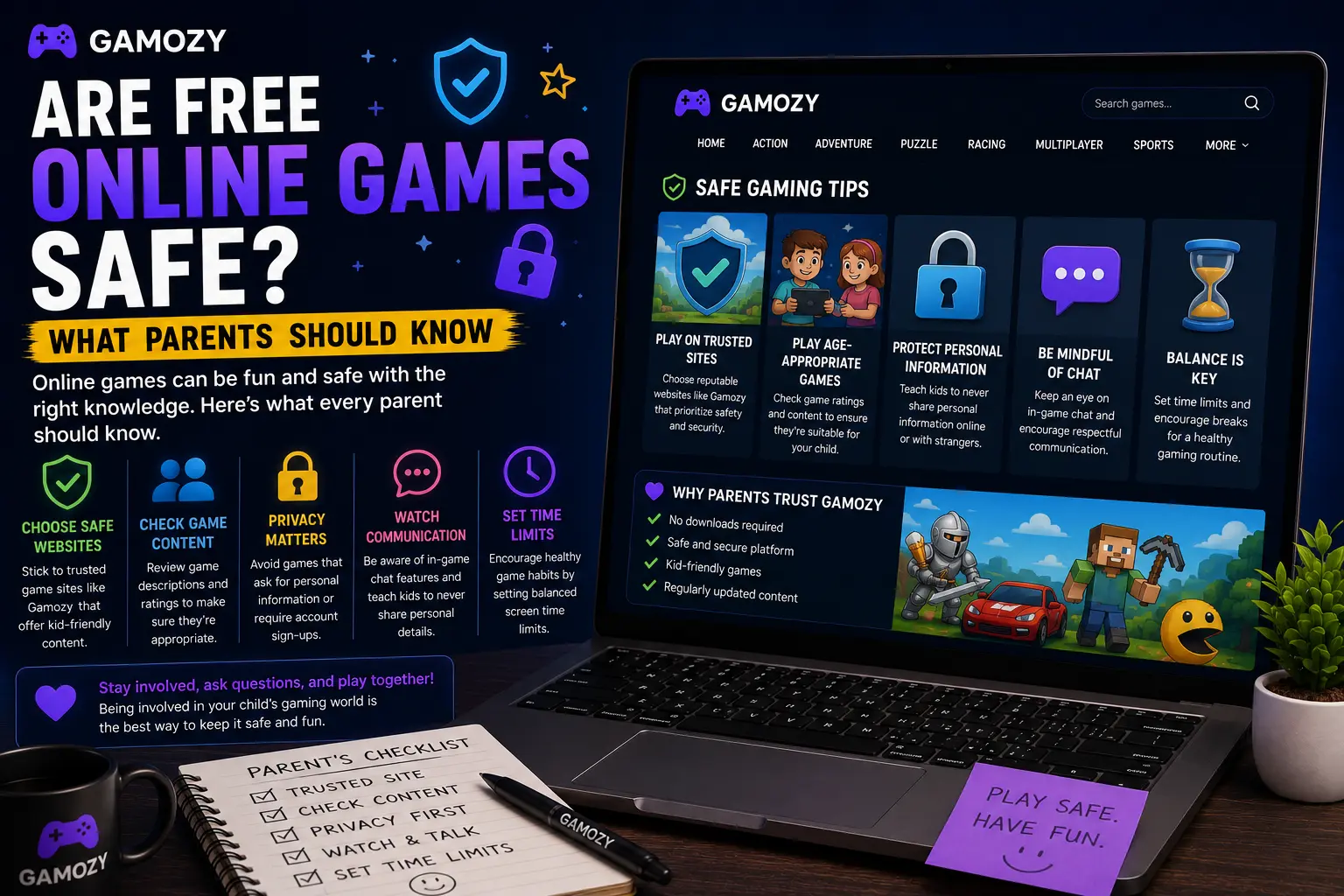
Gamozy was designed around simple, clean gaming with no hidden complications. Every game on the platform runs in HTML5 with no downloads required — nothing is ever installed on your child's device. There are no account creation requirements, so your child's name, age, email, or any other personal information is never collected. The site runs on HTTPS, providing an encrypted connection. Games are curated for quality and playability, and the platform is designed for casual entertainment rather than the kind of aggressive engagement mechanics that characterize concerning mobile games. As a parent, you can bookmark specific games for your child and feel confident that opening those pages won't lead anywhere unexpected.
Practical Tips for Parents: Setting Up Safe Gaming Time
A few practical steps help make browser gaming a positive experience for your family. First, browse the game library yourself before introducing it to your kids — spend a few minutes playing the games you plan to share with them. Second, set clear time boundaries before gaming starts, not after. "You can play for 30 minutes" is a much easier conversation than trying to stop an engaged child mid-session. Third, play together sometimes — co-op or competitive browser games are actually great family activities, and being involved in your child's gaming helps you stay informed about what they're playing. Finally, check back occasionally as your child discovers new games — parental awareness is the most effective safety tool available.
Frequently Asked Questions
Recommended Gamozy Games
Try these related free browser games after reading the guide.