Why Parents Are Right to Ask This Question
The internet is full of "free" games that come with strings attached — aggressive ads, hidden purchases, data collection from children, or content that wasn't designed with kids in mind. Parents who are cautious about where their kids are gaming online are being smart, not overprotective. The good news is that not all free online gaming is the same. There's a meaningful difference between a well-designed HTML5 browser game site with no downloads and no accounts, and a mobile game with loot boxes, push notifications, and in-app purchases targeting children. Understanding that difference helps you make confident decisions about what's actually fine for your kids and what isn't.
The Key Risks in Free Online Games
The biggest concerns with free online games for children generally fall into a few categories. In-app purchases and loot boxes are a major one — many mobile games are designed to encourage repeated small purchases, and kids don't always understand they're spending real money. Inappropriate content is another concern — some games rated for general audiences still include violent themes, crude humor, or chat systems where strangers can communicate with your child. Data collection is a third issue — games that require account creation or access to device contacts and location have access to your child's personal information. Browser-based HTML5 games avoid most of these concerns by design.
Why HTML5 Browser Games Are Safer by Design
HTML5 browser games run entirely inside a web browser without installing anything on your device. This means they can't access your file system, can't collect device data beyond what a normal website can, and can't run background processes after you close the tab. They don't require account creation, which means no username, password, or personal information is stored on a gaming company's servers. And because they load in a browser, you can see exactly what URL your child is visiting and monitor their activity the same way you would any other website. Compared to downloaded games or mobile apps which can request permissions to access contacts, location, camera, and microphone — browser games are significantly more transparent.
How Gamozy Is Built for Family-Friendly Play
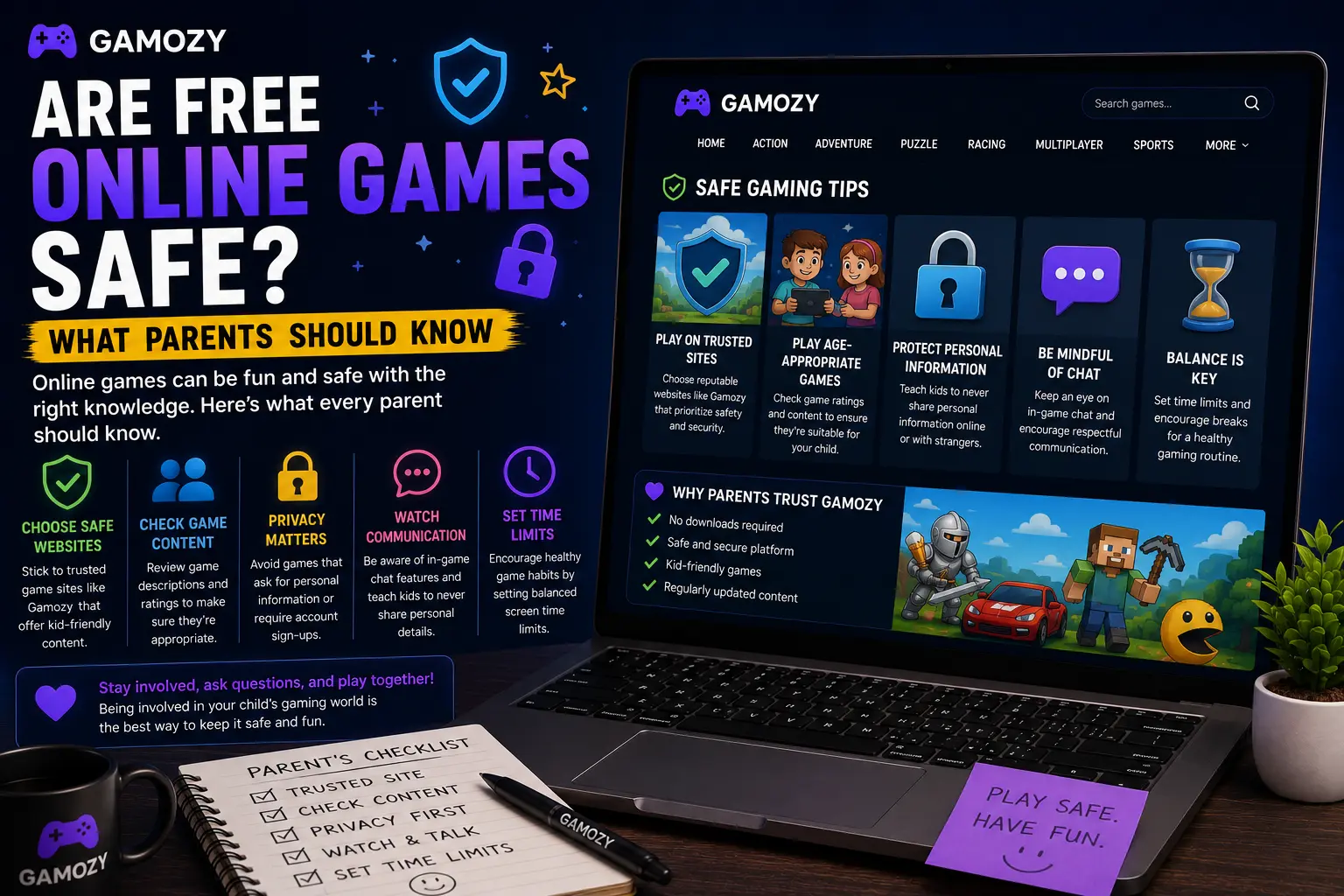
Gamozy was designed around simple, clean gaming with no hidden complications. Every game on the platform runs in HTML5 with no downloads required — nothing is ever installed on your child's device. There are no account creation requirements, so your child's name, age, email, or any other personal information is never collected. The site runs on HTTPS, providing an encrypted connection. Games are curated for quality and playability, and the platform is designed for casual entertainment rather than the kind of aggressive engagement mechanics that characterize concerning mobile games. As a parent, you can bookmark specific games for your child and feel confident that opening those pages won't lead anywhere unexpected.
Practical Tips for Parents: Setting Up Safe Gaming Time
A few practical steps help make browser gaming a positive experience for your family. First, browse the game library yourself before introducing it to your kids — spend a few minutes playing the games you plan to share with them. Second, set clear time boundaries before gaming starts, not after. "You can play for 30 minutes" is a much easier conversation than trying to stop an engaged child mid-session. Third, play together sometimes — co-op or competitive browser games are actually great family activities, and being involved in your child's gaming helps you stay informed about what they're playing. Finally, check back occasionally as your child discovers new games — parental awareness is the most effective safety tool available.
Frequently Asked Questions
Recommended Gamozy Games
Try these related free browser games after reading the guide.